Cursor AI Vs Vs Code 2026: Complete Guide 2026
Why I Switched from VS Code to Cursor AI (And Why You Might Too)
For ten years, VS Code was my editor. I knew every shortcut, every extension, every trick in the book. Then I tried Cursor AI for one week. Now I can not go back.
Quick Answer
Cursor AI Vs Vs Code 2026 is worth focusing on when it solves a clear study, career, or income problem instead of adding another distraction. For Indian students and early professionals, the best approach is to start with one practical use case, test it for a week, and measure whether it saves time, improves output quality, or creates a realistic earning opportunity.
For a stronger next step, explore AI Tools, Resources, PDF Tools, CGPA Calculator, Typing Test and connect this advice with tools you can actually use on LearnEarnScale.
In 2026, coding is not about typing faster. It is about thinking smarter and letting AI handle the mechanical work. This is exactly where the Cursor AI vs VS Code debate gets interesting — because we are not comparing two code editors anymore. We are comparing two completely different philosophies of building software.
If you are a student learning to code, a freelancer shipping projects, or a developer wondering whether the switch is worth the hype, this guide will give you the honest, no-fluff comparison you need.
The Problem with “Traditional” AI Coding Tools
Most developers use GitHub Copilot or ChatGPT in a separate browser tab. Here is what actually happens:
- You copy a function from your editor
- Paste it into ChatGPT
- Ask for help
- Copy the response back
- Realize the AI missed context from three other files
- Repeat five times until it works
This workflow has a fatal flaw: the AI only sees what you paste. It does not know that changing a variable in auth.py will break the login flow in user_profile.js. It does not understand your project architecture. This “context gap” costs hours of debugging every week.
What Makes Cursor AI Different in 2026
Cursor is not a plugin. It is not an extension. It is a complete fork of VS Code with artificial intelligence baked into every pixel of the interface. Here is what that actually means for your daily workflow:
1. Full Project-Wide Intelligence (Not Just File-Level)
Cursor indexes your entire codebase locally. When you ask, “Where is the payment gateway API logic?” — it does not guess. It points you to the exact line across five different files, explains how they connect, and warns you about dependencies you might break.
Real example: I asked Cursor to “find where user authentication is handled.” It returned results from my middleware, routes, models, and tests — all in one response. VS Code + Copilot would have only guessed based on the currently open file.
2. Predictive Editing (Not Just Autocomplete)
Copilot suggests the next word. Cursor predicts your next edit.
Here is the difference: if you rename a function, Cursor proactively asks, “Want me to update all 14 references across 6 files?” One click. Done. No find-and-replace. No manual checking.
For students working on college projects with tight deadlines, this alone saves 2–3 hours per week.
3. The Composer: Build Full Features from Plain English
Cursor’s Composer mode is where things get wild. You describe a feature in natural language — “Add a dark mode toggle that persists in local storage and syncs across sessions” — and Cursor writes the CSS, JavaScript, and HTML simultaneously across multiple files.
It then shows you a diff of every change, lets you accept or reject each file individually, and automatically creates a git commit message. This is not autocomplete. This is feature-level code generation with full context awareness.
4. Zero Setup Migration from VS Code
Here is the best part: since Cursor is built on VS Code, your entire setup transfers instantly.
- All your extensions work out of the box
- Your
settings.jsonimports automatically - Your keybindings stay the same
- Your themes carry over
It took me literally three minutes to go from VS Code to my first productive Cursor session.
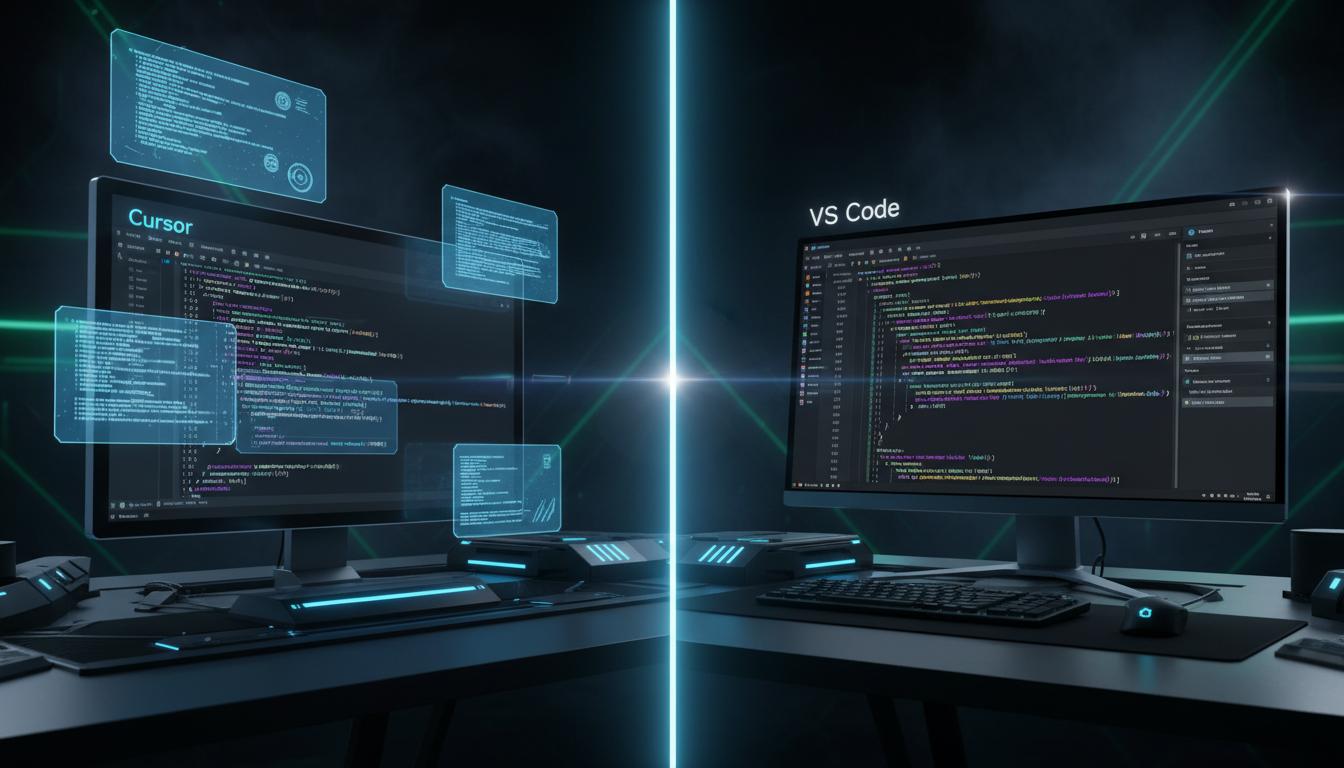
Head-to-Head Comparison: Cursor AI vs VS Code + Copilot
| Feature | Cursor AI | VS Code + Copilot |
|---|---|---|
| Context Awareness | Full project indexing — knows every file | Limited to open file or manually selected context |
| Refactoring Power | Multi-file automatic with dependency checks | Single-file, manual approval needed |
| Setup Time | 3 minutes (imports all VS Code settings) | 10+ minutes installing Copilot, configuring |
| Design Philosophy | AI-first — built around intelligence | Editor-first — AI is an add-on |
| Code Generation | Full features across multiple files | Line-by-line suggestions |
| Pricing | Free tier + $20/mo Pro | Free tier + $10/mo Copilot |
| Privacy | Local indexing, optional cloud | Code sent to OpenAI servers |
| Best For | Professional & serious learners | Hobbyists & light users |
Who Should Stick with VS Code?
Let me be honest: Cursor is not for everyone.
- Hobbyist coders who write a script once a month do not need AI this powerful.
- Beginners on day one should learn syntax fundamentals before letting AI write code. You need to know what good code looks like before you accept AI suggestions.
- Developers in highly regulated environments with strict “no AI” policies (some banks and government agencies still ban AI tools).
Who Should Switch to Cursor AI Immediately?
- Computer Science & Engineering Students: Build projects faster, understand larger codebases, and graduate with production-level skills.
- Freelance Developers: Ship client projects 40% faster. That means more clients, more income, or more free time.
- Startup Founders: Your “AI cofounder” that codes while you focus on product and growth.
- Full-Stack Developers: Navigate massive codebases without getting lost in your own architecture.
Cursor AI for Students: A Practical Guide
If you are an Indian student in CS, IT, or any engineering branch, here is how to use Cursor without becoming dependent on it:
- Semester 1–2: Use Cursor only for explaining error messages and suggesting fixes. Write all code yourself.
- Semester 3–4: Allow Cursor to generate boilerplate (repetitive setup code) but write business logic manually.
- Semester 5+ & Projects: Use Composer for rapid prototyping, then refactor and optimize manually.
This progression ensures you learn fundamentals first, then leverage AI for speed.
Frequently Asked Questions
Is Cursor AI free for students?
Yes. Cursor offers a generous free tier with 2,000 completions per month — more than enough for most students. They also provide education discounts on the Pro plan, which unlocks unlimited completions and GPT-4 access.
Does Cursor support all VS Code extensions?
Yes. Since Cursor is a VS Code fork, every extension from the marketplace works natively. Your Python, ESLint, Prettier, and GitLens extensions will feel right at home.
Is my code safe with Cursor?
By default, Cursor indexes your code locally on your machine. You can enable cloud features for cross-device sync, but local-only mode keeps everything private. This is a significant advantage over Copilot, which sends code to OpenAI’s servers.
Will Cursor AI make me a worse programmer?
Only if you let it. Think of Cursor like a calculator — it handles the arithmetic so you can focus on the math problem. The best developers use Cursor to move faster, not to think less.
Can I use Cursor for competitive programming?
Most CP platforms ban AI assistance during contests. However, Cursor is excellent for practicing problems — it explains solutions, suggests optimizations, and helps you learn patterns faster.
Does Cursor work offline?
Partially. Local indexing and basic features work offline. AI completion requires an internet connection, but Cursor caches recent context for limited offline use.
Final Verdict: My Honest Take
After six months of daily use, here is where I land on the Cursor AI vs VS Code 2026 debate:
VS Code is a great editor. Cursor AI is a great engineering partner.
If you write code professionally, if you are serious about software engineering as a career, or if you simply want to build projects faster — the switch is worth it. The productivity gains compound over time. One week with Cursor taught me more about my own codebase than three months of Copilot.
Your move: Download Cursor today (it is free), import your VS Code settings, and try the Composer mode on your next assignment. Give it one week. Then decide.
Want more AI tools for developers and students? Check out our complete AI tools guide at LearnEarnScale.
Frequently Asked Questions (FAQ)
1. Is Cursor AI better than VS Code in 2026?
Cursor AI is built on top of VS Code but adds powerful AI features like intelligent code completion, natural language editing, and AI-powered debugging. For developers who heavily use AI assistance, Cursor is significantly more productive. However, VS Code remains excellent for developers who prefer a lightweight, manual coding experience.
2. Can I use my VS Code extensions in Cursor AI?
Yes! Cursor AI is fully compatible with VS Code extensions. You can install any extension from the VS Code marketplace directly in Cursor. Your settings, keybindings, and themes can also be imported seamlessly.
3. How much does Cursor AI cost compared to VS Code?
VS Code is completely free. Cursor AI offers a generous free tier with 200 AI completions per month. The Pro plan costs $20/month and includes unlimited AI features. For professional developers, the productivity gains typically justify the cost within the first week.
4. Does Cursor AI work offline?
Cursor AI’s core editor works offline just like VS Code. However, AI features (code completion, chat, etc.) require an internet connection. You can continue coding normally offline and AI features resume when you’re back online.
5. Which programming languages does Cursor AI support best?
Cursor AI excels with Python, JavaScript/TypeScript, React, Go, Rust, and Java. Its AI models are specifically trained on millions of code repositories, making it particularly powerful for web development, data science, and mobile app development.
Related Articles You May Find Helpful
Start Using These AI Tools Today!
These AI tools have helped thousands of students save time, improve grades, and even start earning online. Pick 2-3 tools from this list and start using them this week. The sooner you start, the more time you’ll save.
Which AI tool are you most excited to try? Let us know in the comments!
cursor AI Visual Checklist
Related LearnEarnScale Resources
Optional Recommended Gear
Some links may be Amazon affiliate links. Buy only when the item genuinely supports your workflow.
- student laptop: Check options on Amazon
- focus headphones: Check options on Amazon
Recommended tools for readers: Treat these as optional helpers, not shortcuts. Pick them only if they support your study, work, content, or earning workflow.
Recommended Actions
Pick one action from this guide and apply it today. Track the result and then add the next step.
Also see: AI Automation for Small: 7 Tips, Best AI Voice Generators: 7 Tips.
Conclusion
The best results with Cursor AI Vs Vs Code 2026 Complete Guide 2026 come from consistent, small actions rather than perfect plans. Start with one item from the checklist above, build proof, and improve based on feedback.
Save this guide for your next project and share it with someone who might benefit from a more practical workflow.
Frequently Asked Questions
Is Cursor AI Vs Vs Code 2026 Complete Guide 2026 beginner friendly?
Yes. Start with free tools, then move to paid options only when you have repeated, verified use.
How long until I see results?
Most first wins come within 1–2 weeks when you stick to one small repeatable task.
What should I avoid?
Avoid switching multiple tools weekly, buying premium products before validating need, and copying generic templates without adding your own examples.